We research every product we recommend. We may earn a commission from the links on this page.
Electronics › Home Security Systems

Wireless Security Sensors Drop Alerts When Your Wi-Fi Gets Busy

We compare published specifications and marketplace data. We do not test these products.

Wireless Sensors False-Alarm in Homes with RF Noise
Photo by Jakub Zerdzicki on Pexels

Your door sensor fired. The reed switch opened, the transmitter sent its packet, and nothing happened — no push notification, no siren, no log entry. The sensor worked. The signal just never arrived. Wireless security sensors share the same 2.4 GHz radio band as your router, your Bluetooth earbuds, and your microwave, and when two devices transmit at the same instant, both packets corrupt. Here’s where that breaks down and which designs handle it better.

Affiliate disclosure: This article contains affiliate links. We may earn a commission if you buy through them, at no extra cost to you.

Everything we recommend
4 picks

How we picked

We do not install these sensors in homes. Judgement rests on published radio specifications, hub protocol support, and collision-handling behavior reported in marketplace reviews.

Protocol support, not platform claims

Whether the hub supports WiFi 6, multi-protocol routing, or only single-band 2.4 GHz — the mechanism that determines collision probability under load.

Sensor count per hub

Maximum sensor capacity and whether the hub aggregates devices from multiple protocols, which concentrates collision risk at a single choke point.

Expansion path, not starter count

Whether adding sensors requires a new hub or scales on existing infrastructure — total cost and collision exposure at ten or twenty devices.

Failure mode under congestion

Whether dropped packets generate false alarms or missed events — reviewers report which way the system breaks when radio traffic spikes.

What’s Actually Happening at 2.4 GHz

The 2.4 GHz ISM band spans about 83 MHz of unlicensed spectrum. Wi-Fi channels 1 through 11, Bluetooth, Zigbee, baby monitors, cordless phones, and microwave ovens all transmit here without coordinating with each other. Your security sensor is one more device shouting into the same room.

When a door sensor’s reed switch opens, the transmitter doesn’t check whether anyone else is talking. Most simple sensors use fixed-interval broadcasts — they fire their packet and hope. Wi-Fi devices at least use carrier-sense multiple access with collision avoidance, listening before transmitting and backing off if the channel is busy. A sensor that skips that step has no way to avoid slamming its packet into an ongoing Wi-Fi frame.

The result: bit errors. Noise flips bits in the data stream and the hub’s receiver either misreads the packet — interpreting a door-open as a door-close, or vice versa — or fails to decode it at all. A single missed packet from a motion sensor is an intruder who walked through your hallway without triggering anything. A corrupted packet from a door sensor is a false alarm at 3 a.m.

This isn’t a defect. It’s physics. Every wireless sensor system lives with this risk. The difference is what each one does about it.

The Microwave Problem Is Real and Measurable

Your microwave oven’s magnetron radiates at 2.45 GHz on purpose — that’s the frequency that excites water molecules. The shielding isn’t perfect. According to the FCC, a running microwave raises the local noise floor by 10 to 20 dB within about three meters. That’s the difference between a sensor signal arriving loud and clear and arriving buried under static.

If your hub sits on the kitchen counter and a door sensor is on the back entrance ten feet away, every time you reheat coffee you’re effectively jamming that sensor for two to three minutes. The sensor still fires. The hub just can’t hear it over the noise.

Move the hub to a different room. That’s it. That’s the fix. No amount of protocol engineering overcomes a magnetron three feet away.

More Sensors, More Collisions

Every transmitter you add to a hub increases the probability that two devices will fire at the same instant. With four sensors, the odds are low — the packets are short and the gaps between events are long. With sixteen sensors, a camera stream, and a video doorbell all sharing one hub’s radio, you’re running a small cellular network in your hallway closet.

This scales worse than you’d expect. Packet collision probability doesn’t grow linearly with device count — it follows a curve that steepens as utilization increases. At low traffic, doubling devices roughly doubles collision rate. Past about 30-40% channel utilization, the curve goes vertical: most of the channel time is spent on collisions and retransmissions rather than actual data.

A hub managing four entry sensors barely registers on this curve. A hub managing sixteen cameras and thirty-two sensors is deep into the steep part, especially if those cameras are streaming continuously rather than on-demand. The question isn’t whether the hub can address thirty-two sensors. It’s whether the radio can service them all within the latency window that makes a security alert useful.

WiFi 6 Changes the Math — If the Hub Speaks It Too

WiFi 6 introduced OFDMA — orthogonal frequency-division multiple access. Instead of one device owning the entire channel width for each transmission, OFDMA divides the channel into smaller resource units and lets multiple devices transmit simultaneously in their own slices. In a house with twenty Wi-Fi devices, that reduces the collision pressure on each one.

But here’s the catch: OFDMA only helps when both ends of the conversation support it. A WiFi 6 camera talking to a WiFi 5 router still uses the old single-user frame method. And a sensor using a proprietary sub-GHz protocol doesn’t benefit from your router’s WiFi 6 at all — it’s on a completely different radio.

What WiFi 6 does reliably is reduce the background congestion that sensors have to compete against. If your router, your phones, your smart speakers, and your cameras all negotiate traffic more efficiently on WiFi 6, the 2.4 GHz band stays quieter for the brief moments when a door sensor needs to fire its packet. The sensor doesn’t have to speak WiFi 6 to benefit from a less congested neighborhood.

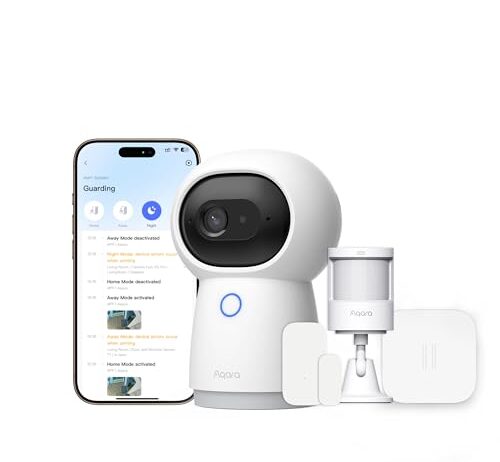
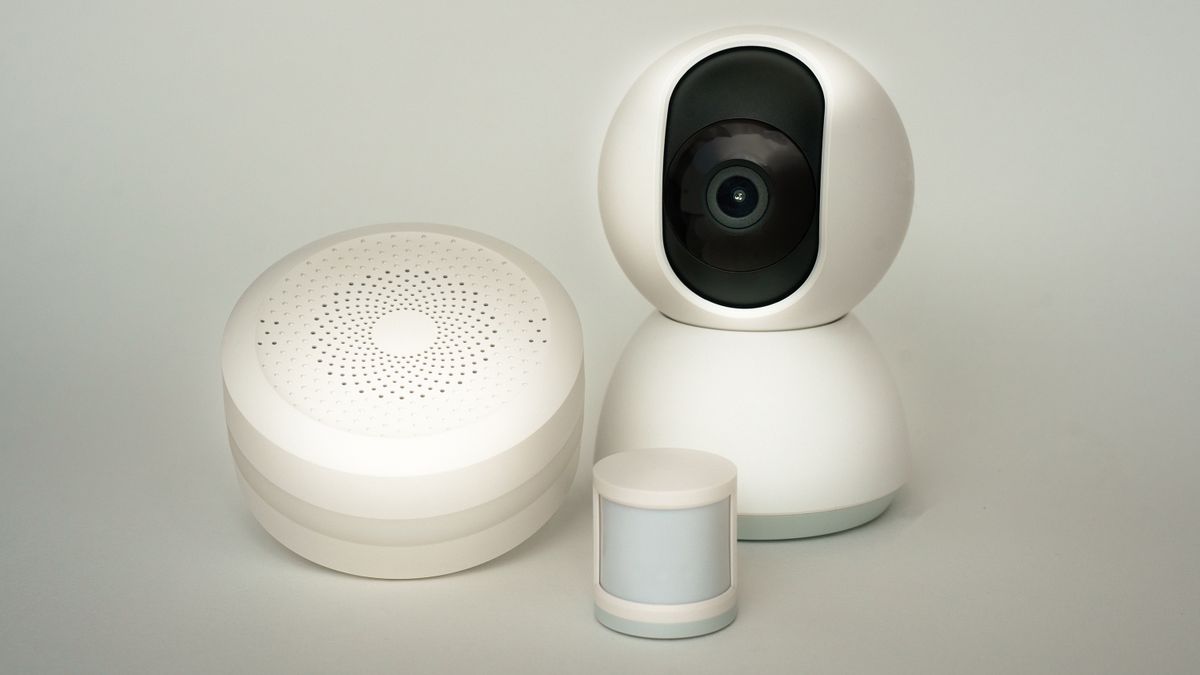
Most wireless security kits lock you into one app and one voice assistant. The Aqara kit works across HomeKit, Google Home, and Alexa, which means you can trigger automations and receive alerts through whichever ecosystem already runs your house. That matters for interference management because local automations — sensor triggers a camera recording without routing through a cloud server — cut out the round-trip latency that makes a dropped packet worse. If the packet arrives late rather than not at all, a local automation still catches it before the moment passes.

The Camera Hub G3 handles three sensors plus its own 2K video stream. That’s a light radio load — well within the low-collision zone where four or five devices rarely step on each other’s transmissions. The trade-off is capacity: three sensor slots means three doors or windows, not a whole-house perimeter. For a small apartment or a single entry zone, that’s plenty. For a house with twelve windows, you’re buying multiple hubs or a different system.

Hub Placement Matters More Than Protocol

Signal strength drops with distance and drops harder through dense materials. A sensor on the far side of a brick wall sends a weaker signal than one across an open room, and a weaker signal is easier for interference to corrupt. The math is simple: if the sensor’s packet arrives at -70 dBm and the noise floor is -80 dBm, you have 10 dB of margin. Put a brick wall in the way, lose 6 dB of signal strength, and your margin shrinks to 4 dB. Now that microwave three meters away can wipe it out.

Centralize the hub. Every foot closer to the center of the sensor constellation buys you margin against interference. A hub on the ground floor of a three-story house, tucked behind a TV stand in the corner, is the worst possible placement — maximum distance to the farthest sensor, maximum walls to penetrate, minimum margin against noise.

The second thing: get the hub away from the router. They’re both radiating on 2.4 GHz. Putting them on the same shelf guarantees the hub’s own receiver gets hammered by the strongest 2.4 GHz source in the house — your router, three inches away.

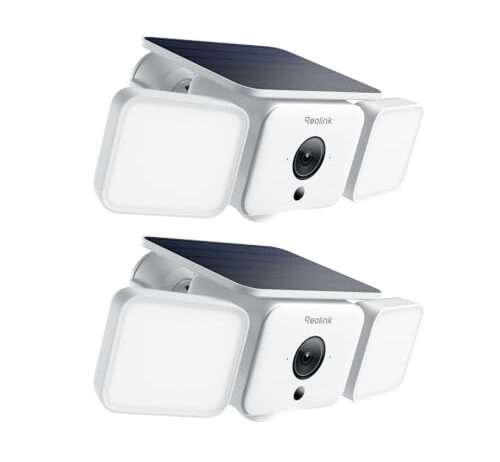
These are outdoor cameras, not door sensors — the PIR motion detector triggers locally, and the camera starts streaming video over WiFi 6 to your router. The difference from a sensor-only system is that a missed motion alert doesn’t just lose a log entry. It loses the video clip that would have shown you who was on the porch. WiFi 6’s OFDMA gives each camera its own slice of the channel, so two cameras firing simultaneously don’t have to take turns the way WiFi 5 devices do.

The 2K resolution and 150-degree viewing angle mean each camera produces a substantial data stream — and that stream competes with everything else on your network. WiFi 6 handles that better than older protocols in congested environments, but it still needs a WiFi 6 router on the other end. If your router is WiFi 5, these cameras fall back to single-user transmission and the congestion advantage disappears. Check your router before buying these for the protocol.

When Scaling Goes Wrong

There’s a real difference between a system designed for four sensors and one designed for thirty-two. Four sensors fire occasionally — a door opens, a window opens, a motion detector catches someone walking past. The packets are short, the events are sparse, and collisions are rare. Thirty-two sensors plus sixteen cameras is a different animal entirely.

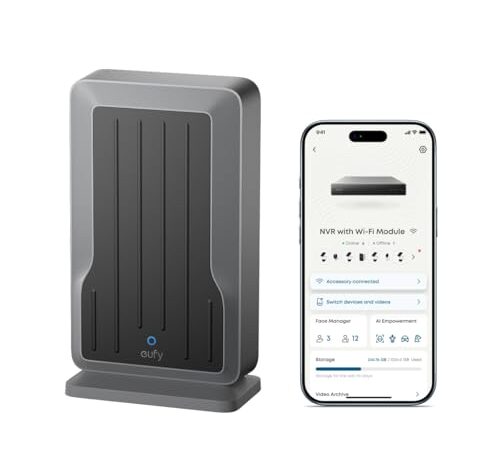
The eufy Wi-Fi Module exists for exactly this scenario: bridging a large fleet of wireless devices to a wired NVR backbone. The NVR handles storage and processing over Ethernet; the Wi-Fi module handles the radio layer. That’s architecturally sound — it keeps the high-bandwidth camera streams off the sensor radio and onto wires where collisions don’t exist. But the module itself still has to manage the wireless side, and thirty-two sensors all sharing one radio’s airtime will occasionally collide, especially if motion sensors are firing frequently in a busy household.

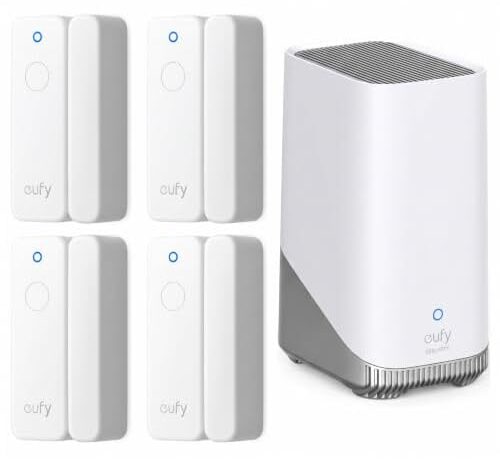
The module also requires a eufy PoE NVR system that’s sold separately. You’re not buying a complete security system for $49.99. You’re buying a radio bridge for an existing wired infrastructure. That’s a meaningful distinction when the four-sensor eufy kit at $249.99 includes everything in the box and the Aqara kit at $99.99 includes a camera and three sensors ready to go.

False Alarms vs. Missed Events: Pick Your Failure

Interference causes two failure modes, and they’re not equally bad.

A corrupted packet that the hub can partially decode might register as a sensor state change that didn’t happen — a false alarm. Your phone buzzes, the siren fires, you check the camera and nobody’s there. Annoying. Disruptive at 3 a.m. But you know about it.

A corrupted packet that the hub can’t decode at all just vanishes. No alert, no log, no record. The door opened and the system didn’t notice. You won’t know it failed until you review logs and find a gap, if you review logs at all.

Systems with error-correcting codes — redundant bits added to every packet so the receiver can fix a limited number of flipped bits without asking for retransmission — reduce both failure modes. But error correction adds length to each packet, and longer packets occupy the channel longer, increasing the window for collision. It’s a trade-off: better accuracy per packet, worse collision probability overall. At low sensor counts, error correction wins easily. At high counts, the longer packets start making congestion worse.

Frequency-hopping spread spectrum takes a different approach entirely. Instead of staying on one channel and hoping it’s quiet, the transmitter hops across multiple channels in a pseudo-random pattern. Narrowband interference — a Wi-Fi router parked on channel 6, a microwave blasting at 2.45 GHz — corrupts only the hops that land on that specific frequency. The rest get through clean.

FAQ

Will my microwave interfere with my wireless security sensors?

Yes. A running microwave radiates at 2.45 GHz and raises the noise floor by 10-20 dB within about three meters. If your hub is in the kitchen, sensor packets sent during a microwave cycle can get buried under that noise. Move the hub to a different room to fix it.

Do door sensors work with multiple Wi-Fi routers or mesh systems?

The sensors themselves don’t connect to your Wi-Fi — they talk to their own hub on the 2.4 GHz band. But multiple routers and mesh nodes increase the background radio traffic on that same band, which raises the chance of packet collisions. Centralizing the hub away from router access points reduces this.

How many sensors can I add before the system starts missing alerts?

It depends on how often they fire. Four door sensors that trigger a few times a day almost never collide. Thirty-two sensors plus streaming cameras can push channel utilization past the point where collisions spike. If motion sensors fire frequently in a busy household, you’ll see delays before you see outright misses.

What’s the difference between 2.4 GHz and 5 GHz for home security?

2.4 GHz travels farther through walls but shares spectrum with more devices — routers, Bluetooth, microwaves. 5 GHz is less congested and faster but doesn’t penetrate walls as well. Most security sensors use 2.4 GHz for range; some cameras use 5 GHz for video bandwidth.

Why do some sensor alerts arrive instantly while others are delayed?

Delays usually mean the first packet collided with another transmission and had to be retransmitted — or the hub was busy processing another device’s data. Cloud-routed alerts add server round-trip time on top of that. Local automations that trigger without going through a cloud server are consistently faster.