We research every product we recommend. We may earn a commission from the links on this page.

Electric Standing Desks Wobble More Than You’d Expect

We compare published specifications and marketplace data. We do not test these products.

Whether an electric standing desk is worth it over a fixed-height one
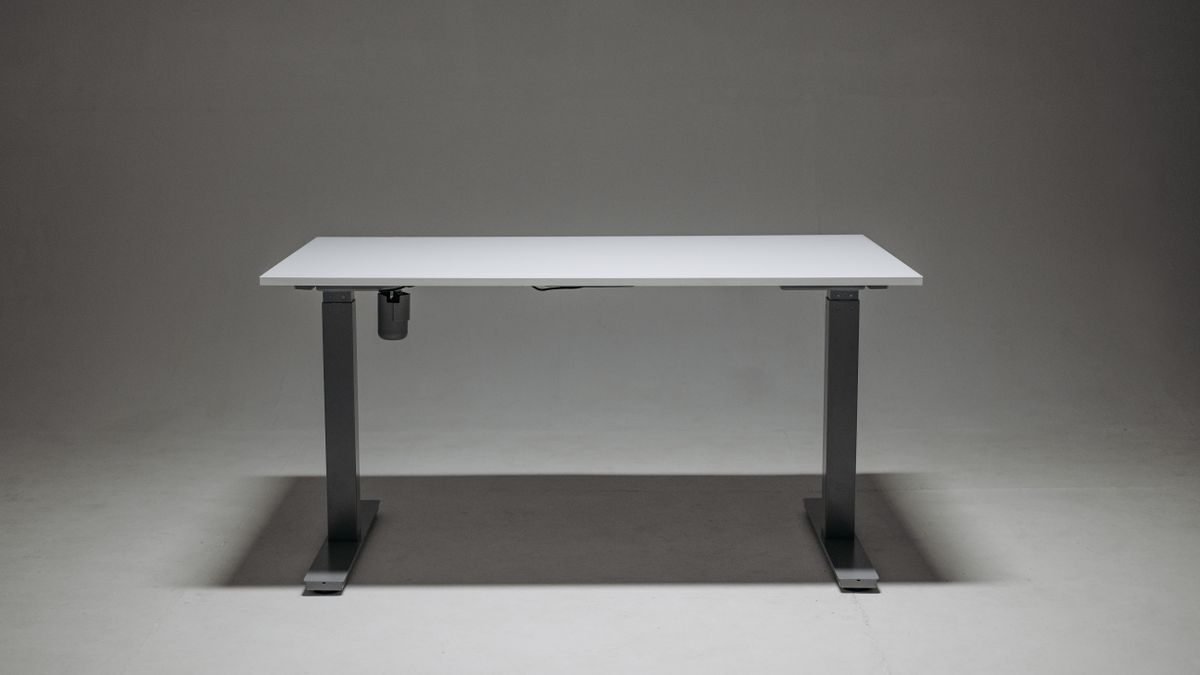
Photo by Pavel Danilyuk on Pexels (https://www.pexels.com/photo/a-white-height-adjustable-desk-8001034/)

Raise an electric standing desk to full height and rest your elbow on it, and you’ll feel a give that wasn’t there an hour ago at sitting height. That’s not a defect. It’s the same mechanism that lets the desk move at all, working against you at the top of its range — and it’s one of several trade-offs that don’t show up until you’ve lived with the desk a while.

Affiliate disclosure: This article contains affiliate links. We may earn a commission if you buy through them, at no extra cost to you.

Everything we recommend
4 picks

How we picked

We do not install or measure these desks at standing height. Our judgments rest on published dimensional specifications, stated weight capacity, and aggregated marketplace review data.

Travel range, not top height

The distance from lowest to highest position determines how many body types the desk actually serves, independent of where that range starts.

Weight capacity, not desktop area

A wide surface doesn’t matter if the frame can’t support a monitor arm and dual displays without sagging or motor strain.

Leg-to-surface ratio, not assembly time

The proportion of frame height to desktop overhang predicts wobble at full extension — taller legs amplify any lateral give in the telescoping mechanism.

Component ratings, not brand assurances

Motor torque, switch cycles, and collision-detection thresholds are measurable specifications that outlast warranty periods and explain long-term failure patterns in user reports.


Why the Legs Are Thicker Than You’d Expect

A fixed-height desk’s legs are dumb steel or wood — nothing moves, nothing needs to. An electric desk’s legs each contain a motor driving a lead screw or a telescoping column, and a mechanism needs room a plain support doesn’t. That’s the whole reason electric-desk legs are visibly thicker, and it’s most of why the price jumps too: you’re paying for one or two motors per side and the electronics that keep them synchronized, not just more steel.

Most electric desks use two independent motors, one per leg, moving together under one controller. Over months of use the two can drift slightly out of step with each other, which is why most controllers include a periodic reset or calibration step — it’s routine maintenance on a moving mechanism, not a sign anything’s broken.

Why the Same Desk Wobbles More Standing Than Sitting

A tall extended leg is a longer lever arm than a short one. Push on the end of a long stick and it flexes more than a short stick of the same material — that’s the whole story. Raise an electric desk to standing height and you’ve extended that lever, so the same pressure from a leaned-on elbow or a heavy monitor arm produces more visible movement at the top of the desk’s range than it would sitting down, or on a fixed desk that never extends that far.

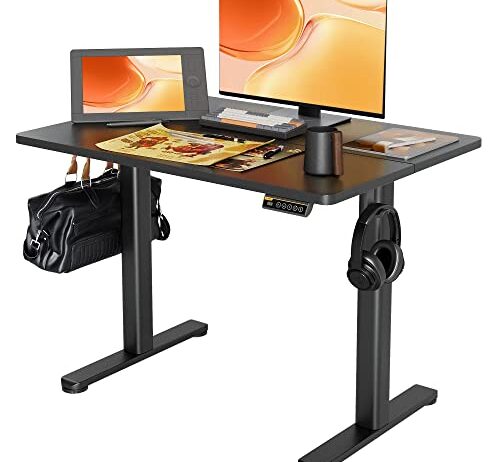
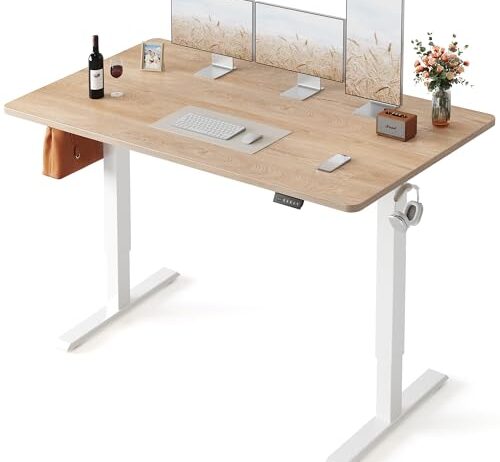
This is where the two straight electric desks in the set actually diverge in practice, independent of what either one states. The narrower desk carries less unsupported span between its legs, and less desktop overhang, so it tends to feel stiffer standing than a wider electric desk raised to the same height — a direct consequence of the lever-arm problem, not a marketing claim.

What a Weight Rating Actually Covers

A monitor arm concentrates weight at a single clamped point instead of spreading it across the desktop the way a monitor resting on its own stand does. That’s precisely the load a stated weight capacity is describing. At 176 pounds, the Claiks desk’s rating covers two 27-inch monitors on a dual arm, a laptop stand, and a fair amount of margin beyond that — comfortably more than a typical home-office monitor setup needs, which is the actual useful takeaway from that number.

A desk without a stated capacity isn’t necessarily weaker for it. The safer move either way is mounting anything heavy — a monitor arm especially — as close to a leg as the desktop allows, since that’s structurally the stiffest point on any desk, rated or not, and the point furthest from where a long, unsupported span would flex under load.

What the Memory Presets Save You, and Why Depth Matters Too

A memory preset stores one exact height so the desk returns to it with a single button press, instead of holding a button and eyeballing a display until it looks about right. With three presets, that typically covers a sitting height, a standing height, and a middle ground for a monitor-and-standing-mat combination — small, but it’s the difference between actually changing position through the day and not bothering.

Depth gets less attention than width, and it shouldn’t: comfortable monitor viewing distance is roughly an arm’s length, and desktop depth — front to back — is what sets how far back a monitor can actually sit before it’s crowding the rear edge. The 22 to 28 inch spread across the straight desks here matters as much for a large monitor as the width does, just for a different reason.

A monitor arm concentrates weight at a single clamped point rather than spreading it the way a monitor sitting on its own stand does, which is exactly the situation a stated weight capacity is for.

It’s also the narrowest desk in this set at 40 inches, which cuts the other way: less desktop, less lever arm at full height, and in practice a stiffer feel standing than the wider electric option here.

The Inside Corner Problem, and the Box It Ships In

Two flat surfaces meeting at a right angle put their intersection at a fixed distance from both edges — geometry, not a manufacturing flaw. Reaching it means leaning across one arm of the L or rolling your chair into the corner itself, which is why that space so often ends up holding a printer instead of anything used while sitting. The trade-off is real: an L-shaped desk this size adds close to a full second leg of usable surface beyond what a single straight desktop of the same width gives you, since the second wing isn’t competing with the first for the same footprint.

That surface area doesn’t arrive light. A wider or L-shaped desk means more panels in the box and more total shipping weight, which is exactly why larger desks specify two-person assembly — an easy detail to underestimate when you’re picturing the finished desk in your office and not the two flat-packed boxes it’s about to arrive as, sitting in your hallway.

The Cable You Forget About Until It Snaps

A fixed desk’s power cable sits wherever you route it and never moves again. An electric desk’s legs travel several inches with every height change, and a cable run taut to a wall outlet flexes at the same point on every single cycle. Leave enough slack for the full range of motion before mounting anything permanently to the leg or the underside of the desktop — it’s a five-minute fix during setup and a genuinely annoying one afterward, usually discovered exactly when the cable finally gives out.

A cable management hook or hub, when a desk includes one, only manages the slack that’s already there — it does nothing to add the extra length a full height cycle actually needs. Route the cable loose enough to reach the desk at its very highest setting, then clip the excess, rather than routing it tight at whatever height the desk happens to be sitting during setup.

FAQ

Is an electric standing desk worth the extra cost over a fixed-height desk?

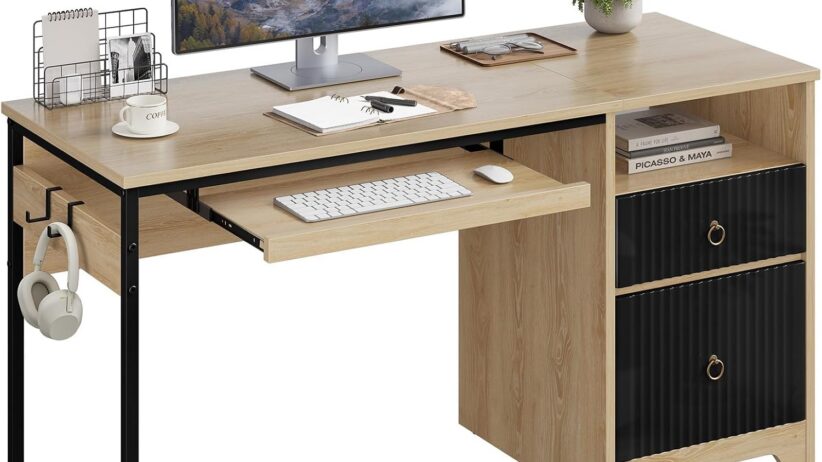
It depends what you’re paying for: height adjustment itself, or the desk overall. A fixed-height desk at a similar price often puts that money into storage or a larger top instead of a motor.

Why do standing desks wobble more at full height?

The legs extend further, which lengthens the lever arm acting on the desktop. The same pressure that barely moves the desk sitting down produces more visible flex once it’s raised.

What do memory presets on a standing desk actually do?

They store an exact height so the desk returns to it with one button press, instead of holding a button and watching the display until it looks right.

How much weight can a standing desk hold?

It varies by model and isn’t always published. Where a capacity is stated, mounting heavy hardware like a monitor arm close to a leg — the stiffest point on any desk — is the safer default regardless.

What’s the downside of an L-shaped desk?

The inside corner, where the two surfaces meet, is hard to reach without leaning or rolling your chair into it — a geometry consequence of the right angle, not a flaw in any particular desk.